

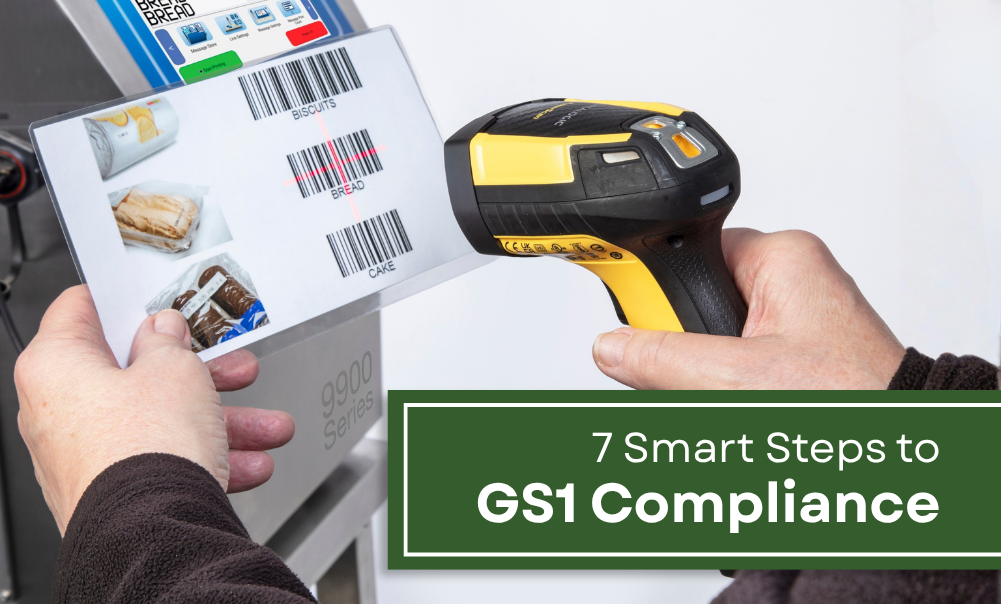
Barcodes have evolved into a versatile tool for the entire supply chain. GS1 Codes are the “business language” of manufacturers, suppliers, distributors, and retailers alike across the globe. For instance, when a warehouse in Canada scans the barcode on a product from the Philippines, they can instantly obtain all the information they need without the need for excessive labels or long item descriptions.
Today, GS1 Codes are the standard when it comes to global trade. Every Philippine manufacturer looking to export or sell products online can enjoy significant benefits of having scannable codes, recognized worldwide. Here is how you get started on your GS1 compliance.
7 Practical Tips for GS1 Codes Compliance
1. Apply for a GS1 Membership & License.
Official GS1 codes are provided globally by the non-profit organization of the same name. In order to obtain these codes, you must contact your local GS1 member organization (ex. GS1 Philippines) to apply for membership. Once you submit the corresponding business documents and settle the membership fees, you will be granted a license.
2. Get your GS1 Company Prefix.
If you are registering just one product, request for a Global Trade Item Number (GTIN). Companies that plan to barcode more than one product and variations will need to request a full GS1 Company Prefix. This refers to the first couple of digits beneath a barcode, and serves as an identifier for your company.
3. Assign the GTIN to your products.
Access the GS1 portal using your membership to start assigning ID Keys to your products. The GTIN is one type of ID Key you can generate with GS1 codes, and is used to identify products and services.
ID Keys can also be assigned to distinguish non-product company assets.
| ID Key | Assigned to |
| Global Trade Item Number (GTIN) | Products and Services |
| Global Location Number (GLN) | Parties and Locations (offices, warehouses, factories, stores) |
| Serial Shipping Container Code (SSCC) | Logistics Units |
| Global Returnable Asset Identifier (GRAI) | Returnable Assets (crates, pallet cases) |
| Global Individual Asset Identifier (GIAI) | Assets (IT, manufacturing, or transport equipment) |
| Global Service Relation Number (GSRN) | Service provider & recipient relationships |
| Global Document Type Identifier (GDTI) | Documents |
| Global Identification Number for Consignment (GINC) | Consignments |
| Global Shipment Identification Number (GSIN) | Shipments |
| Global Coupon Number (GCN) | Coupons |
| Component / Part Identifier (CPID) | Components & parts |
| Global Model Number | Product model |
4. Choose a barcode printing process.
Decide whether your GS1 codes will carry static or dynamic information. For static data (ones that always stay the same), its barcode can be printed using traditional printing and labeling.
On the other hand, dynamic information must be printed using either digital or a combination of digital and traditional methods. Examples of digital techniques include continuous inkjet, thermal printing, and laser coding.
5. Select the correct barcode symbol.
GS1 codes are standardized according to category:
- EAN / UPC (1D Retail Barcodes)
- GS1 DataBar (1D & Stacked Barcodes)
- General Distribution & Logistics Barcodes (1D)
- GS1 DataMatrix, QR Codes, and Dotcodes (2D Barcodes)
The barcode you will need will depend on several factors, such as the industry of operation, type of product / item, or whether you will be scanning it at point-of-sale (POS) and retail environments.
To get an in-depth comparison of the varied codes, refer to the official GS1 compliance guides here.
5. Generate and download the barcode.
Choose the best file format for the code according to your preferred print method. You have the option to download all your barcode numbers and product data into a spreadsheet.
6. Work on GS1 Codes design, printing, and quality testing.
Placing, sizing, and designing barcodes can be a tricky step. It will also depend on the type of codes or symbols you are using. Here are a few things to keep in mind:
- Sizing: Observe “quiet zones” or clear, light-colored margins before and after your code, so a scanner can easily detect the start and end of a barcode.
- Human Readable Interpretation (HRI): Text is a must below the barcode. It helps you encode a product if the barcode is damaged or of poor quality. Ensure that it is legible and size-proportional to the symbol.
- Color: Maintain dark colors for the bars, light colors for backgrounds and quiet zones. GS1 codes are ideally printed using high-contrast inks on dark backgrounds (e.g. cables, extrusion, specialty inks)
- Placement: The proper location for GS1 barcodes can depend on the application and usage of each code. The GS1 General Specifications lays out the complete placement guidelines for various industries.
- Printing Process: Choose a printing process that matches your substrate. High-gloss packaging can cause scanner glare and make your code difficult to scan.
7. Create a standardized barcode quality plan.
To ensure your printed barcode follows GS1 compliance, stick to ISO/IEC standards (ISO/IEC 15416 for linear codes & ISO/IEC 15415 for 2D codes). It is recommended to use an ISO-based verifier to grade the structural integrity of your codes.
Set up minimum specifications for your GS1 codes to maintain consistent high-quality prints. Advanced coding & marking equipment like the Linx 9900 series CIJ printers allow you to create, customize, and save messages on your line to avoid output errors, inconsistencies, or manual changeovers.
GS1 compliance is important for manufacturers expanding their reach beyond borders. A well-produced barcode, QR code, or matrix can substantially simplify the supply chain process and propel your brand to worldwide recognition.
ALSO READ: How Linx 9900 Series CIJ Printers Can Improve Your Operations
Elixir Industrial Equipment Inc., supplies Linx CIJ printers and a complete line of coding & marking solutions in the Philippines. Our latest offering, the Linx 9900 series CIJ printers, contains key features to solve every manufacturers’ woes. PrintProtect battery backup allows you to print for up to 9 minutes in case of sudden power interruption, while its PrinterNet technology lets you monitor status remotely.
Send us a message to get a quote and free product demo!